
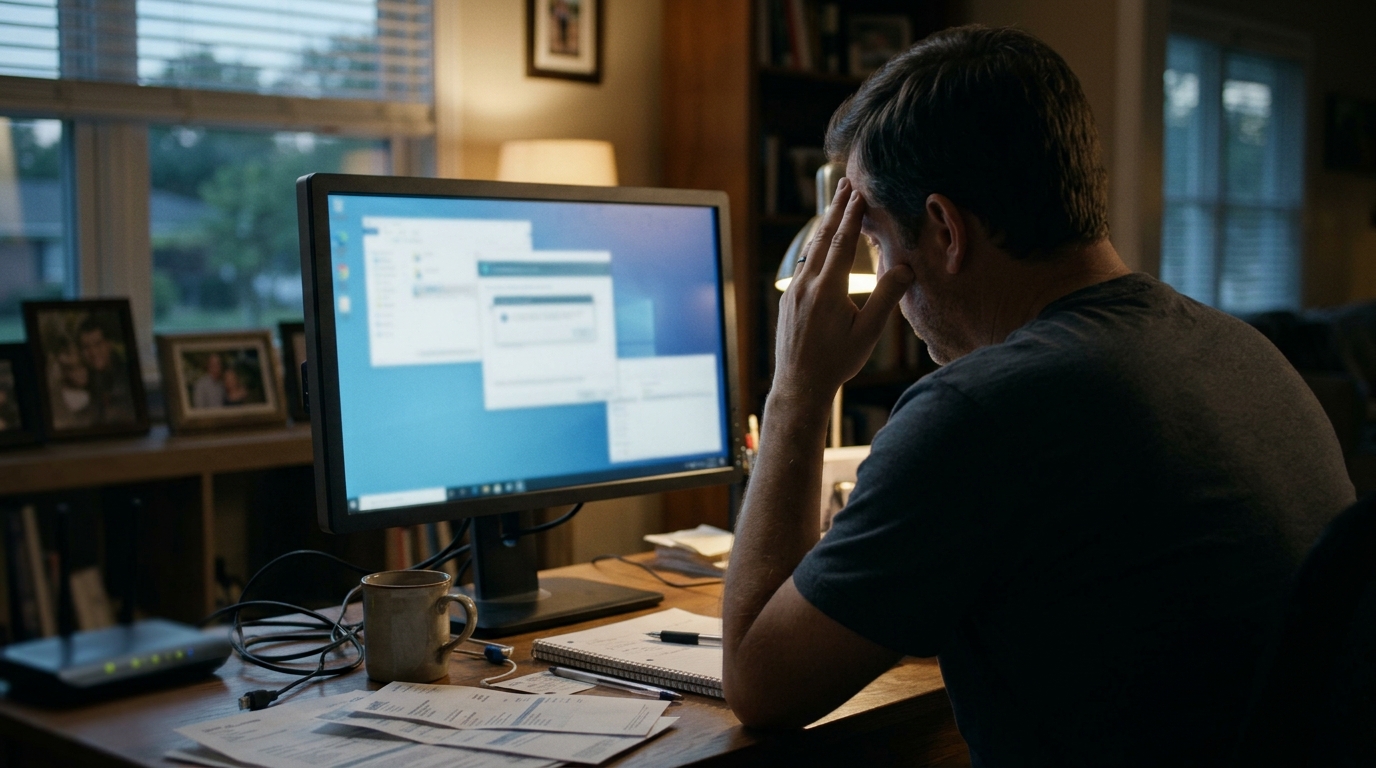
1. Unexplained Slowness and Freezing
Performance drops are the most common early indicator of malware. A virus consumes processing power and memory to run hidden tasks. If your computer takes minutes to open simple apps, it may be compromised. This slowness often persists even after a restart.
2. Pop-up Ads and Browser Redirects
Adware often disguises itself as a harmless browser extension. You may see pop-ups even when no browser is open. Search results might redirect to unfamiliar sites. These behaviors indicate that your browser settings have been altered by malicious software.
3. New Programs You Did Not Install
Unknown applications appearing in your start menu are a major red flag. Malware often bundles itself with free software downloads. Check your installed programs list regularly. If you see tools you do not recognize, they are likely part of a virus package.
4. Antivirus Software Disabled or Crashing
Advanced viruses actively disable security tools to avoid detection. If your antivirus stops working or shows errors, it may be under attack. Some malware specifically targets security software. This is a critical warning sign that requires immediate professional attention.
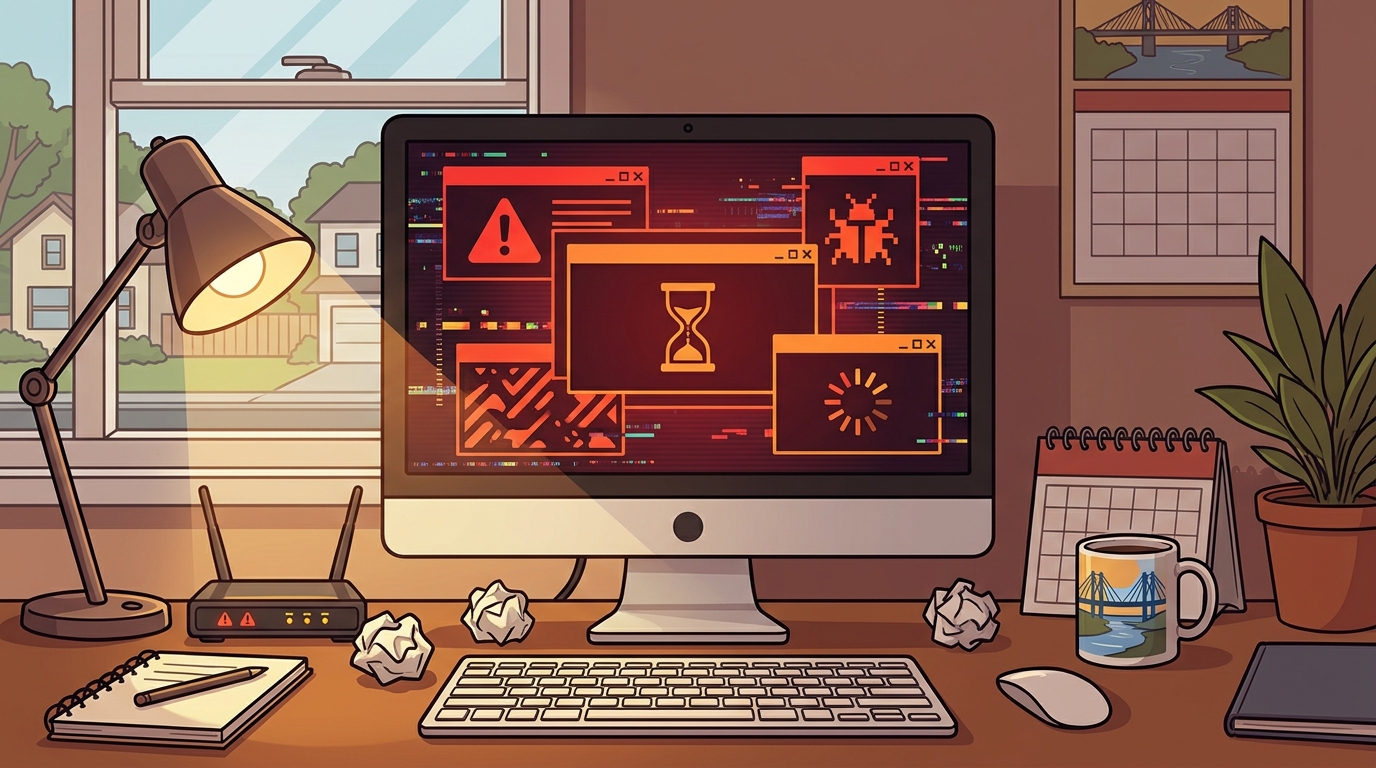
5. High CPU or Disk Usage with No Active Apps
Background processes using 100% of your resources indicate hidden activity. Open your task manager to check for unknown processes. If your fan is running constantly while you are idle, something is working in the background. This is often a sign of crypto-mining malware.
6. Friends Receiving Spam Messages From You
7. System Files Missing or Corrupted
Missing system files can cause blue screens and boot failures. Some viruses delete or alter critical Windows files. You may see error messages about missing DLLs. This level of damage often requires a full system restore or reinstall.
Choosing the Right Help for Virus Removal
When you spot these signs, you need a provider who understands local hardware and software quirks. FeltyNation LLC offers direct access to the technician doing the work. We serve Evansville, IN, Henderson, KY, and the surrounding 50-mile area. Our approach combines fast remote fixes with in-person visits when needed. You can view our clear pricing for virus removal to see what to expect. We do not hide fees or upsell unnecessary services. Our goal is to get your computer running safely again.
Frequently Asked Questions
How many warning signs mean my computer definitely has a virus?
There is no single number that guarantees infection, but two or more signs appearing together strongly suggest malware. Slowness alone can be a hardware issue, but combined with pop-ups or unknown programs, it points to a virus. Professional diagnosis is the only way to be certain.
Can I remove a virus myself with free tools?
Simple adware can sometimes be removed with free antivirus tools. However, advanced malware often hides in system files that free tools cannot reach. If you are not comfortable with technical steps, professional help is safer and faster. You can book a free discovery call to assess your situation.
Does FeltyNation LLC offer remote virus removal?
Yes, we provide remote service anywhere in the United States. For many virus issues, we can connect securely and remove the threat without visiting your home. If the problem requires physical access, we offer in-person service in Evansville and Henderson. To discuss your specific needs, contact our team.
How much does virus removal cost in Evansville?
Costs vary based on the severity of the infection. FeltyNation LLC offers transparent pricing for common jobs. A standard virus and malware removal service includes a tune-up. You can see our full price list for exact figures. Custom or severe cases are quoted after a free assessment.
Will my data be safe during virus removal?
Our primary goal is to preserve your personal files and photos. We back up critical data before making changes when possible. Some severe viruses may encrypt files, which requires specific recovery steps. We will always communicate what is recoverable before proceeding with any work.
How can I prevent viruses in the future?
Keep your operating system and software updated. Use a reputable antivirus program and avoid clicking suspicious links. Regular backups are your best defense against data loss. FeltyNation LLC offers maintenance plans that include regular tune-ups and security checks to keep your system protected.