
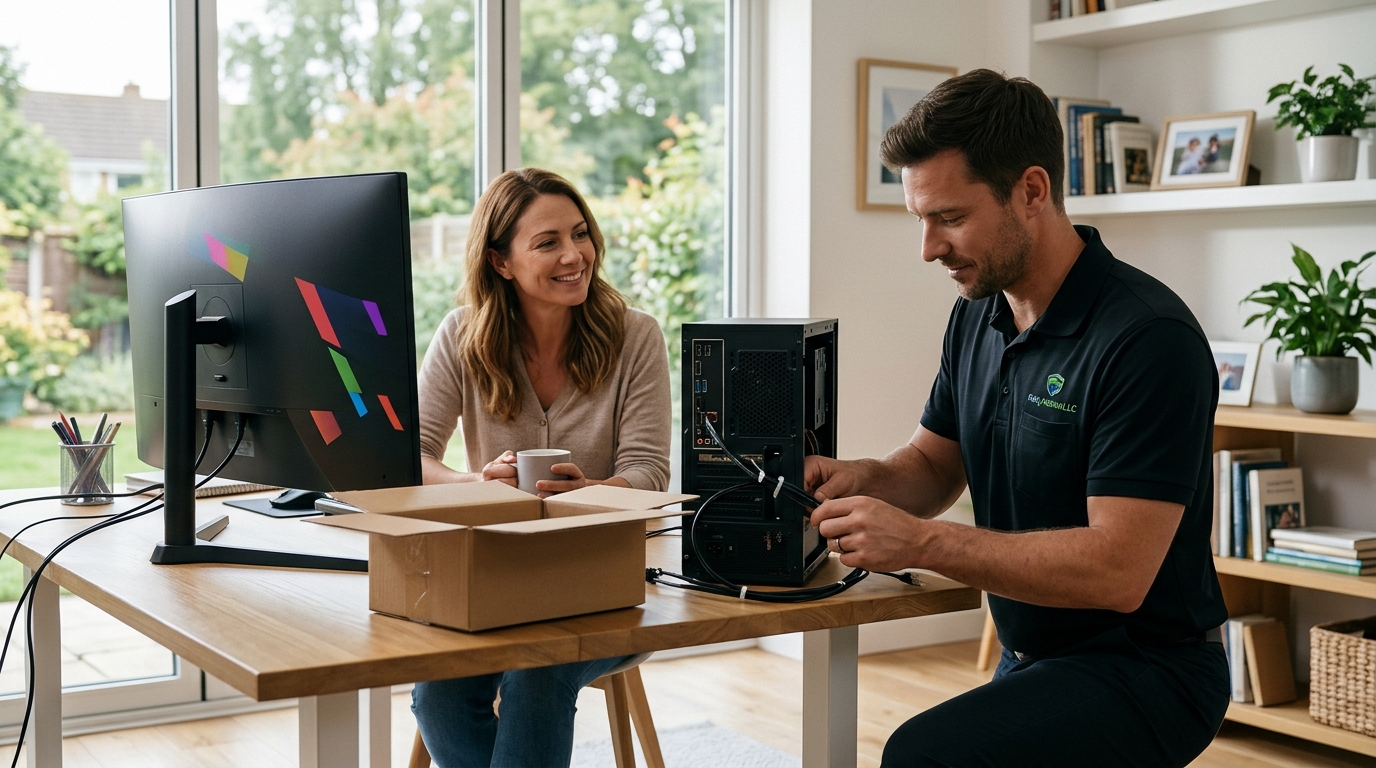
When a professional arrives to set up a new computer, you can expect a structured process that covers hardware installation, software configuration, and security hardening. The technician will verify your internet connection, transfer essential data, and ensure all drivers are up to date. This hands-on approach eliminates the stress of manual configuration and guarantees your system is optimized for performance from day one. FeltyNation LLC provides this service in Evansville, Indiana, and Henderson, Kentucky, ensuring a smooth transition to your new hardware.
The Initial Assessment and Hardware Check
Physical Connectivity
Connectivity is the backbone of a modern computer. The technician will test your Ethernet connection and Wi-Fi signal strength. If you are using a wireless network, they may recommend a specific channel or frequency band to reduce interference. This ensures that your computer has a stable and fast connection to the internet. A stable connection is critical for cloud-based applications and online backups. For additional details, review the FeltyNation LLC About.
Operating System Installation and Configuration
Driver Management
Drivers are software components that allow the operating system to communicate with hardware. The technician will install the latest drivers for your graphics card, sound card, and network adapter. Outdated drivers can cause performance issues and compatibility problems. By using the latest drivers, the technician ensures that your computer runs smoothly and efficiently. This step is often overlooked by users who rely on automatic updates, which may not often install the most recent versions. For additional details, review the FeltyNation LLC Services Pricing.
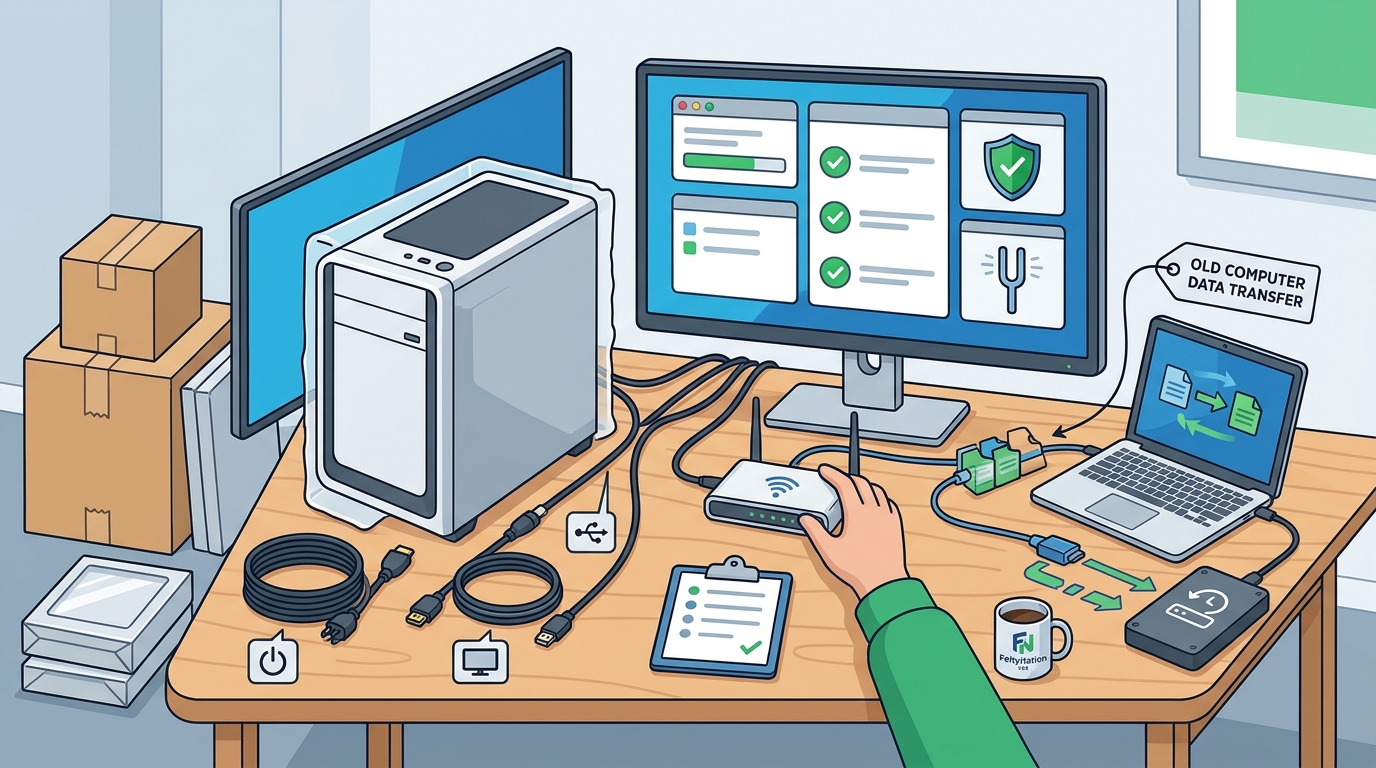
Data Transfer and Software Installation
Backup Strategy
A critical part of the setup process is establishing a backup strategy. The technician will help you set up automatic backups to an external drive or cloud storage. This ensures that your data is safe in case of hardware failure or accidental deletion. A robust backup strategy is essential for protecting your digital assets. It provides peace of mind and ensures that you can recover your data quickly if something goes wrong.
Security Hardening and Performance Optimization
Malware Protection
Malware is a significant threat to modern computers. The technician will perform a full system scan to ensure that no malicious software is present. They will also configure the antivirus software to provide real-time protection. This ensures that your computer is safe from the latest threats. Regular updates and scans are essential for maintaining a secure system. By implementing these measures, the technician ensures that your computer is protected against a wide range of cyber threats.
Final Testing and User Training
Documentation and Support
Key Takeaways
- Data transfer is a critical step that ensures your important files are safely moved to the new system.
- Security measures such as firewall configuration and antivirus installation are essential for protecting your data.
- Performance optimization involves adjusting system settings to maximize speed and responsiveness.
- Final testing and user training ensure that the system is stable and that you are comfortable using it.
Frequently Asked Questions
How long does a home computer setup take?
A typical home computer setup takes between two and four hours, depending on the complexity of the data transfer and software installation. Simple setups with minimal data may take less time, while more complex configurations can take longer.
Do I need to be present during the setup?
It is recommended that you be present during the setup, especially for the initial assessment and final training. However, if you are unavailable, the technician can complete the setup and provide documentation for your review.
What software will be installed on my new computer?
The technician will install the software applications that you specify, such as web browsers, office suites, and specialized tools. They will also install essential system software, such as antivirus and firewall utilities.
Is my data safe during the transfer process?
Yes, the data transfer process is designed to be secure and reliable. The technician will use encrypted connections and verified storage devices to ensure that your data is protected during the transfer.
What happens if the new computer has hardware issues?
If the technician identifies hardware issues during the initial assessment, they will inform you and provide recommendations for repair or replacement. They will not proceed with the setup until the hardware is verified to be functioning correctly.
Do you offer ongoing support after the setup?
Conclusion
Understanding what to expect during a home computer setup can help you feel more confident and prepared. The process is designed to be thorough and efficient, ensuring that your new system is optimized for performance and security. By working with a professional, you can avoid common pitfalls and enjoy a smooth transition to your new hardware. FeltyNation LLC is committed to providing high-quality service and ongoing support, ensuring that your computer remains a reliable tool for your daily needs. To schedule your setup, book an appointment today.