

Understanding the Pricing Models
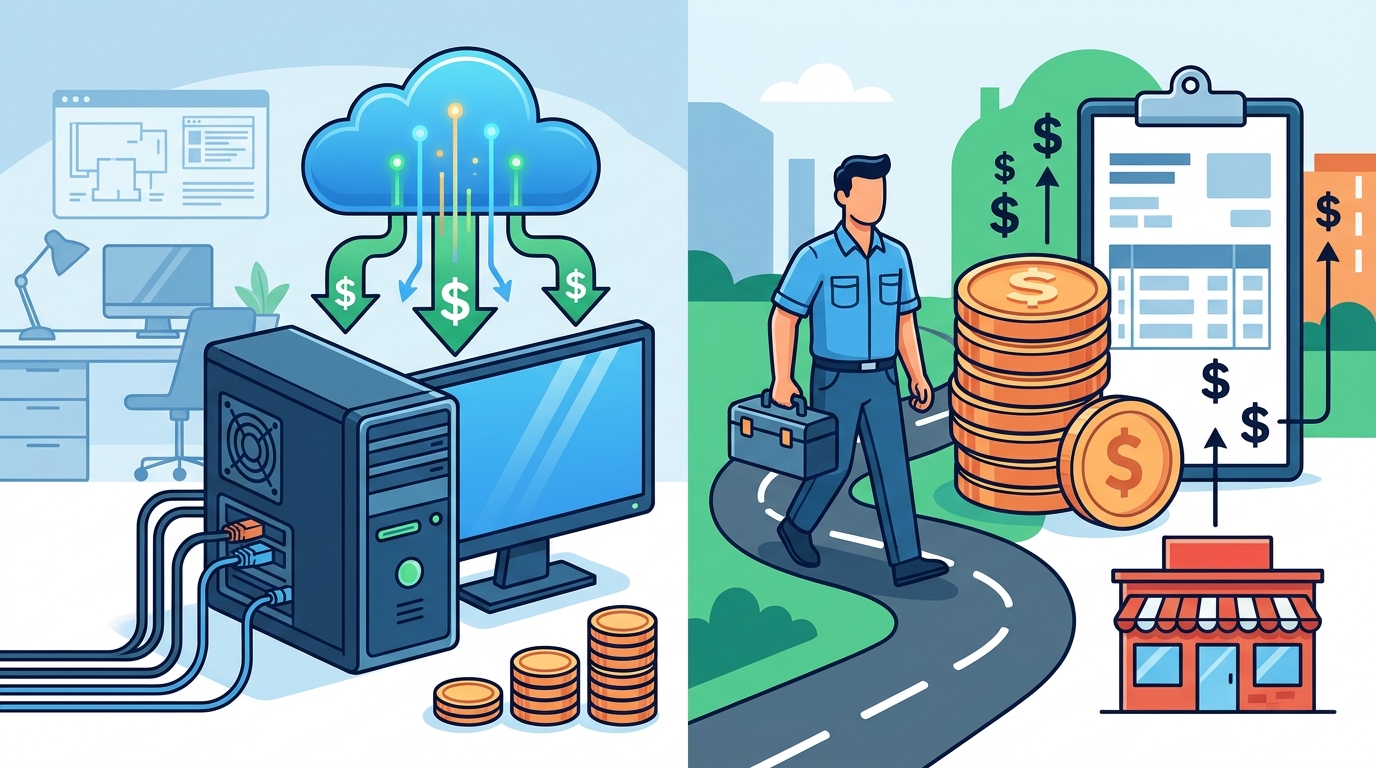
Service providers typically structure their pricing based on the complexity of the task and the delivery method. Remote tech support is a service delivery model where a technician accesses a client's computer over the internet to diagnose and fix issues. This method reduces overhead costs for the provider, which translates to lower rates for the consumer. In contrast, in-person computer repair is a physical service where a technician travels to the client's location to perform hardware or software tasks. The travel time and physical presence add to the hourly rate, making it more expensive per hour than remote assistance. For additional details, review the FeltyNation LLC.
Remote Tech Support: Strengths and Limits
In-Person Computer Repair: Strengths and Limits
In-person repair is the standard for hardware maintenance and complex physical setups. A technician can physically inspect the machine, clean dust from fans, replace batteries, and install new components. This hands-on approach is critical for extending the lifespan of aging computers. The main limit is the higher cost. Travel time and the physical effort required mean that in-person rates are significantly higher than remote rates. Clients must also schedule appointments that align with the technician's availability and travel radius.
Despite the higher cost, in-person service offers a level of thoroughness that remote support cannot match. For new computer setups, an in-person visit ensures that all peripherals are connected, cables are managed, and the user is trained on the physical hardware. FeltyNation LLC serves the Evansville, IN, and Henderson, KY, areas with in-person services, providing a local touch for clients who prefer face-to-face interaction.
Cost Comparison Table
| Criteria | Remote Tech Support | In-Person Computer Repair |
|---|---|---|
| Typical Hourly Rate | Lower (e.g., $55/hr) | Higher (e.g., $75/hr) |
| Travel Costs | None | May apply based on distance |
| Hardware Repairs | Not possible | Full capability |
| Software Fixes | Full capability | Full capability |
| Response Time | Immediate to same-day | Next-day to scheduled |
| Best For | Virus removal, tune-ups, setup | Hardware replacement, physical cleaning |
Choosing the Right Service for Your Needs
Choose in-person repair if your computer has physical damage, requires hardware replacement, or if you prefer a face-to-face interaction. This option is best for older machines that need cleaning or for new setups where physical cable management is important. It is also suitable for users who are not tech-savvy and want a technician to walk them through the hardware in person.
Frequently Asked Questions
Is remote tech support secure?
Yes, reputable providers use encrypted, secure connections to access your computer. You can see everything the technician does on your screen, and you can terminate the session at any time. FeltyNation LLC prioritizes security and data privacy in all remote sessions.
Can I switch from remote to in-person if the issue is not fixed?
Yes, if a remote session reveals a hardware issue, the provider can schedule an in-person visit. Many providers, including FeltyNation LLC, allow you to apply the cost of the remote diagnostic toward the in-person repair if you proceed.
How much does travel cost for in-person repair?
Travel costs vary by provider and distance. Some providers include travel within a certain radius, while others charge a flat fee or per-mile rate. It is important to ask about travel fees before booking an in-person appointment.
What is the difference between a tune-up and a repair?
A tune-up is a preventive maintenance service that cleans up files, optimizes settings, and improves speed. A repair is a corrective service that fixes a specific problem, such as a virus or a broken component. Tune-ups can often be done remotely, while repairs may require in-person service.
Do I need to be present during a remote session?
It is recommended that you be present during a remote session to answer questions and approve actions. However, some providers allow unattended sessions for specific tasks, such as updates or backups, if you grant permission.
Conclusion
Remote tech support and in-person computer repair serve different purposes and have distinct cost structures. Remote support is the more affordable and convenient option for software issues, while in-person repair is necessary for hardware work. By understanding the strengths and limits of each model, you can make an informed decision that balances cost and effectiveness. For personalized advice on which service is right for you, book an appointment with FeltyNation LLC to discuss your specific needs.